> For the complete documentation index, see [llms.txt](https://docs.cwicly.com/llms.txt). Markdown versions of documentation pages are available by appending `.md` to page URLs; this page is available as [Markdown](https://docs.cwicly.com/blocks/input.md).
# Input
The `input` block allows you to input item quantities and to set custom filters for your inputs.
The `input` block is currently useable in select blocks such as the `query` block.
## Add
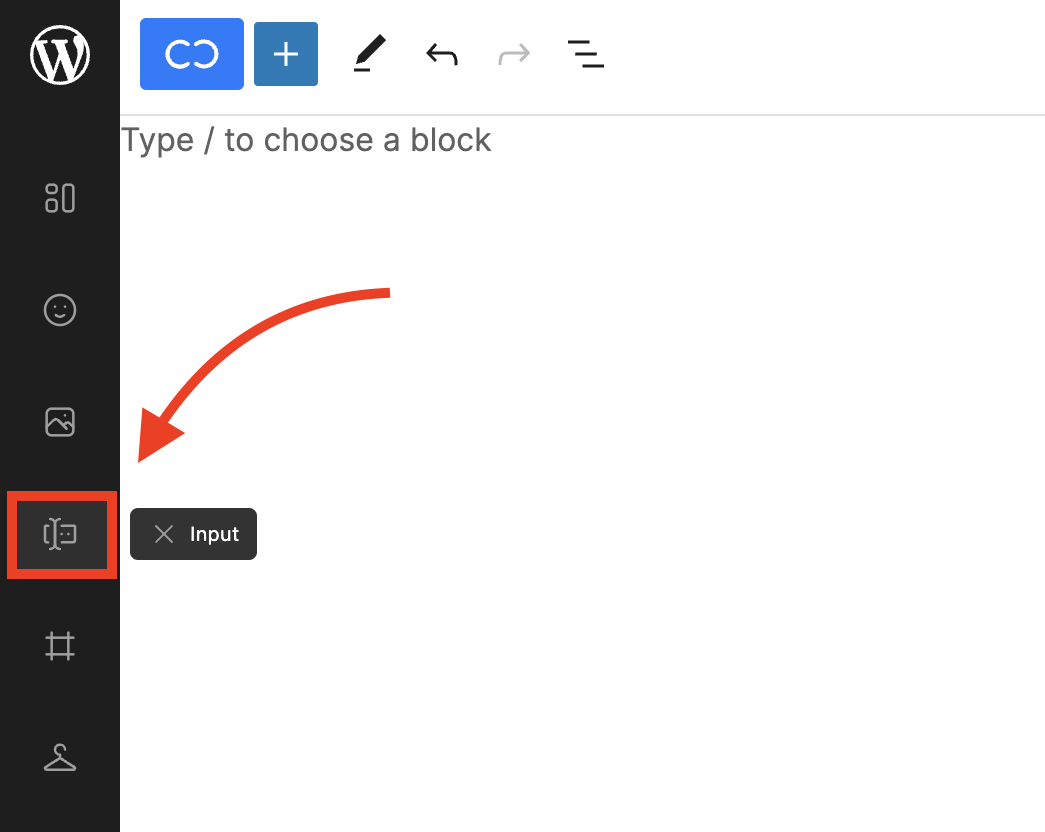
* Add an Input block using the Cwicly [Quick inserter](/cwicly/quick-inserter.md) (recommended).
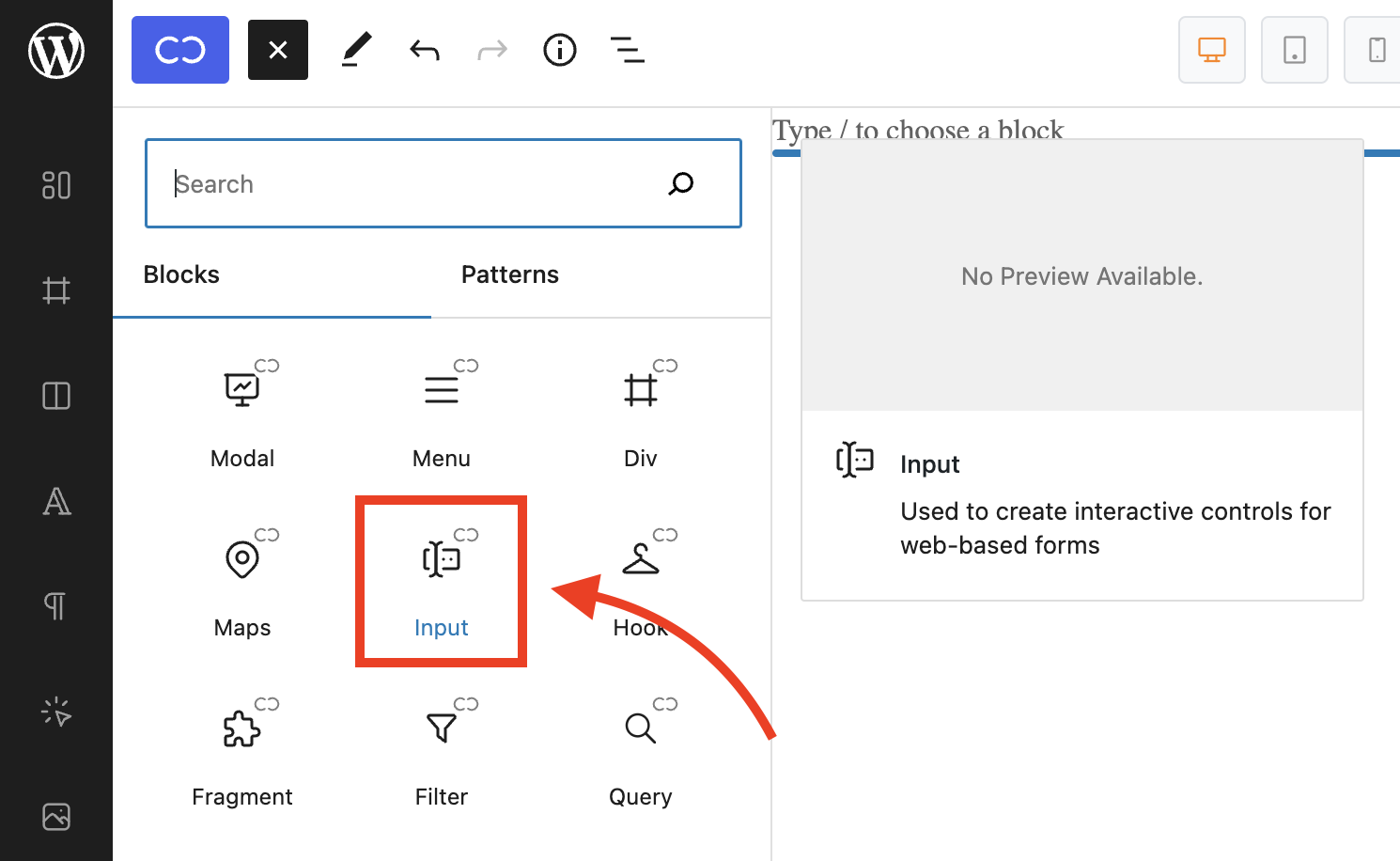
* Alternately, open the block inserter and click to add a Cwicly Input block.
## Input settings
Allows you to specify the input type, whether it has a placeholder or not and rows.
{% content-ref url="/pages/2pwkwXXrxzOejREzEGjx" %}
[Input Settings](/blocks/input/input-settings.md)
{% endcontent-ref %}